Are you tired of constantly having to change devices because your laptop doesn’t have the enough ports? Whether it’s a pen drive or a keyboard, this hassle interrupts your daily work and reduces your work efficiency.
Modern laptops are becoming thinner and more portable, leading to a reduction in the number of ports. This superior design has led to port compromises, making it difficult to connect more devices and multitask.
This is where a multi-port USB hub proves to be an excellent solution. It can transform one port into multiple ports, allowing students, professionals, and multitasking creators to get their work done without constantly switching devices.
2. What Exactly Is A Multi port USB Hub?
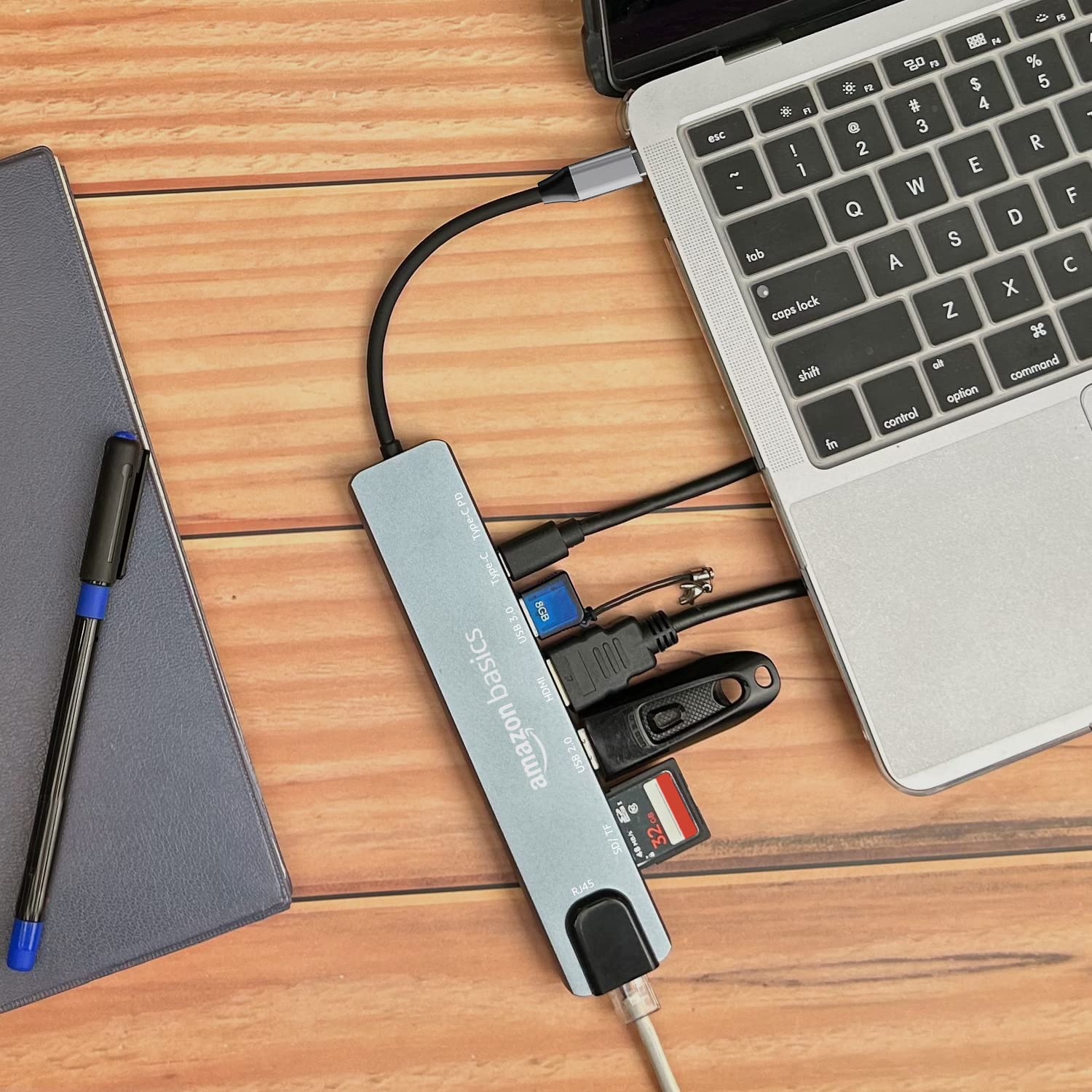
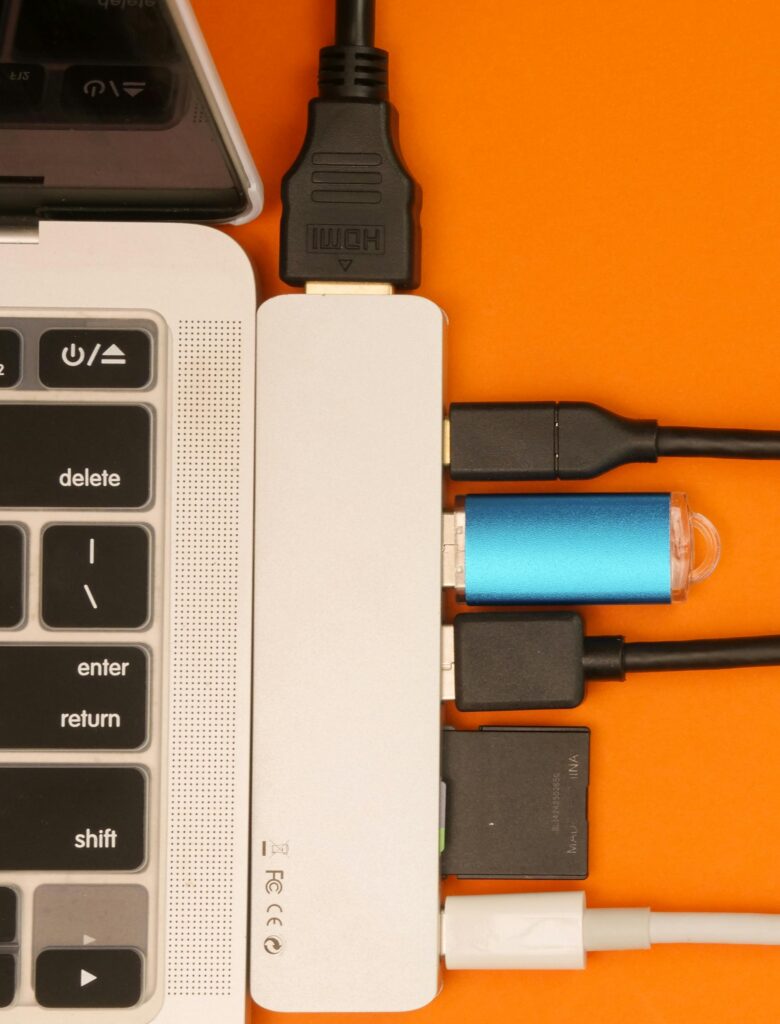
A multi-port USB hub is a small and useful device that turns one USB or USB-C port into many connections. It can include HDMI, USB-A ports, an SD card slot, and Ethernet.
This helps you connect multiple devices—like a keyboard, mouse, monitor, or memory card—using just one port. It is easy to use and works right away without any setup, making it perfect for a clean and simple workspace.
A multi-port USB hub is a smart solution for people who need more ports on their laptop or computer.
USB 2.0: Hubs are best suited for simple devices like a printer, keyboard or mouse, etc.
USB 3.0: Ports offer very fast data and file transfer speeds. This is best for external hard drives, USB flash drives, or transferring large files. This is useful for newer, modern laptops and MacBooks.
USB Type C: Hubs are designed for newer faster PCs, MacBooks and Laptops that have an inbuilt Type C port. They support fast data transfer, fast charging and video output, making them the perfect choice for modern users.
Powered USB Hub: This hub requires separate power supply. These hubs are best suited for heavy devices like external hard drives.
Unpowered USB Hub: These hubs don’t require any external power. They’re small, lightweight, and portable, making them ideal for travel and basic daily use.
4. Key Features to Look For in a USB Hub
Number of ports: Find out how many ports you need to connect at the same time. Choose a hub with enough ports for your daily use, e.g., USB drivers, keyboard, and mouse.
Data Transfer speed: Choose hubs that have at least 100 Mbps data transfer speed.
Power Delivery (Charging Support): Some USB C hubs support Power Delivery (PD), which allows you to charge your laptop while simultaneously using other ports. This allows you to use your laptop for extended periods of time without worrying about battery life.
Build Quality: For better heat control and lasts longer with premium feel, I would highly recommend purchasing an aluminium body USB hub instead of a plastic body one.
5. 🔥 My Top USB Hub Recommendations (Best Picks for 2026)
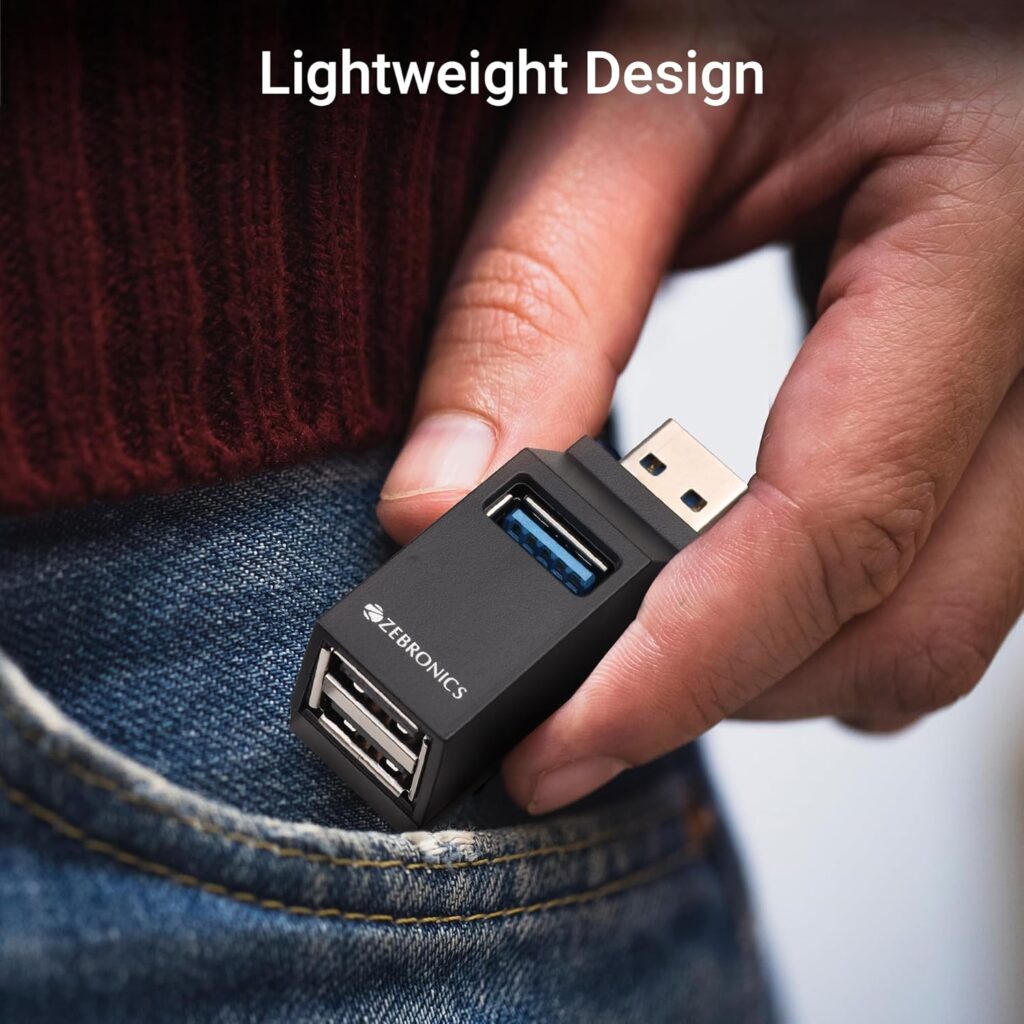
Affordable, simple, and reliable USB hub Best USB Hub Under Rs 200 to 300 ZEBRONICS 180HB USB Hub, 3 Ports, USB 3.0
Key Features
Best for basic users, students, and Daily tasks
3 ports (1× USB 3.0 + 2× USB 2.0)
5Gbps Data transfer speed
Durable ABS body
Multi OS Compatible
Comes with 6 Month warranty
Cons
Limited to basic usages
Uncomfortable design
Why I Recommend it:
This is a great budget USB for simple items like pen drives, mouse, and keyboards. It’s compact, inexpensive, and perfect for everyday tasks.
Considering the price, it’s a good option with USB 3.0 support and good performance for everyday tasks.
May get slightly warm during long usage, which is normal for compact devices.
Why I Recommend it:
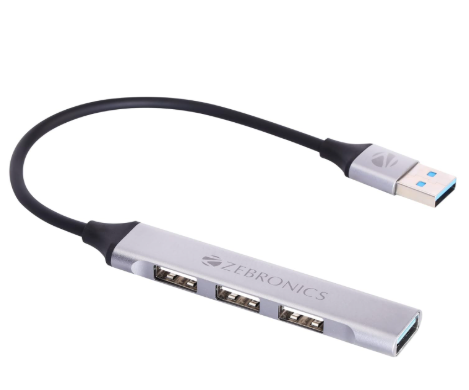
This is an excellent option for daily use, offering data transfer speeds of up to 5Gbps with easy plug-and-play functionality. Comes with an aluminum body, this hub features 4 ports. It is designed for users seeking a reliable and affordable hub.
Best for basic users looking for a reliable and affordable USB hub in 2026.
Premium Pick – Multi-Function Docking Station Best USB Hub under Rs 900 Portronics Mport 52 USB C Hub Dock (7-in-1), Port with 4K HDMI 60 W PD Charging
Key Features
Best for: Creators, advanced users, and multitaskers
7-in-1 Dual USB Hub
Includes 4k ultra HDMI, PD quick Charging support, SD card reader, and Type-C port
10Gbps Data transfer speed
Aluminum alloy body, Upgraded longevity
1-Year Warranty
Cons
This device may gives you connection problem sometime. Type C port may not work properly after few month.
Not good for travellers and you need it to handal with care.
Why I Recommend it:
This USB Hub has inbuilt HDMI port which performed well for connecting other displays.
Good power delivery feature, All 7 in one useful ports for multitaskers and heavy users. Best value for money product in this price range.
10 days replacement policy and comes with 1 year of warranty, impressive 4.2 plus rating.
By incorporating a multiport USB hub into your daily work routine, you can save both time and effort, while also sparing yourself the frustration of constantly swapping cables and USB devices.
From the 5 hubs listed above, choose the one that best suits your needs and start working in a smart and time-saving way today.
You can use all the USB hubs listed above very effectively with both your Windows PC and MacBook.


 By
By 
1 Comment